


PL
Pascal Lestchiner
Excellent lessons, and Chris explains things really well. Well done.
Plugins, templates and free tools for creators, editors and colorists.
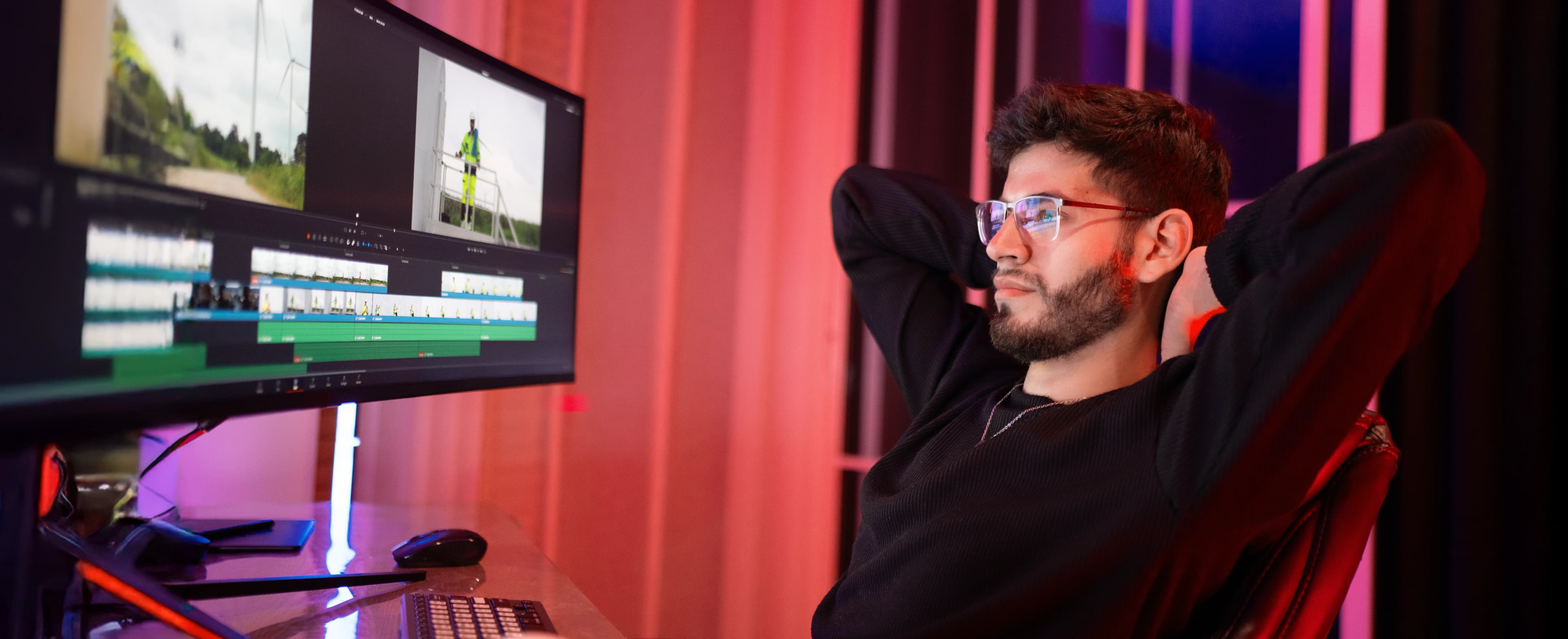
Creator Academy is built by an editor, for editors. Everything here starts from a real task in DaVinci Resolve that we got tired of doing by hand.
First, time. Our DaVinci Resolve plugins turn effects that take minutes, like speed ramps, glows or animated traces, into a few clicks. You stay focused on the story, not on the keyframes.
Then, a finished look without starting from scratch. The templates give you titles and graphics ready to customize, so every video looks consistent.
Want to understand what you are doing? The Fusion nodes and Color nodes guides explain each node in plain words, with examples you can reuse in your own projects.
Free tools also help you plan and polish your work: an editing time calculator to plan your projects, and Harmoni X Cut to make your music fit your edit.
Finally, everything is made by a Blackmagic Design certified trainer. The methods behind each plugin are the ones used every day on real projects, and they keep evolving with DaVinci Resolve.
Certified trainer
Blackmagic Design certified trainer - Kriss Norde
Certificate code 8569-242A-D684-44B1

 New
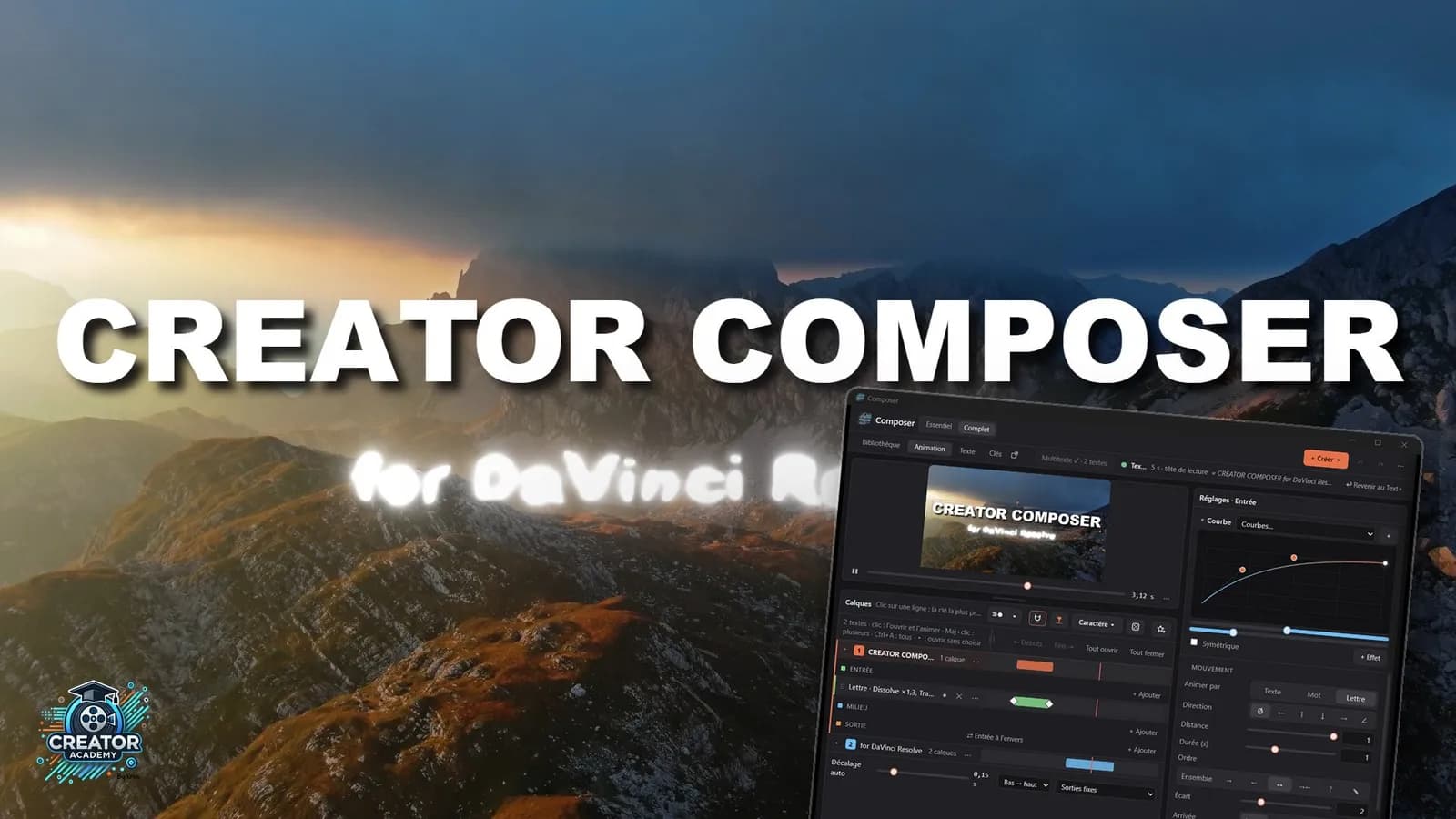
Animate your titles, logos and transitions in one click on the Edit page of DaVinci Resolve, no Fusion needed. Ready-made animations you adapt to your own style.
€50≈ $56
 New
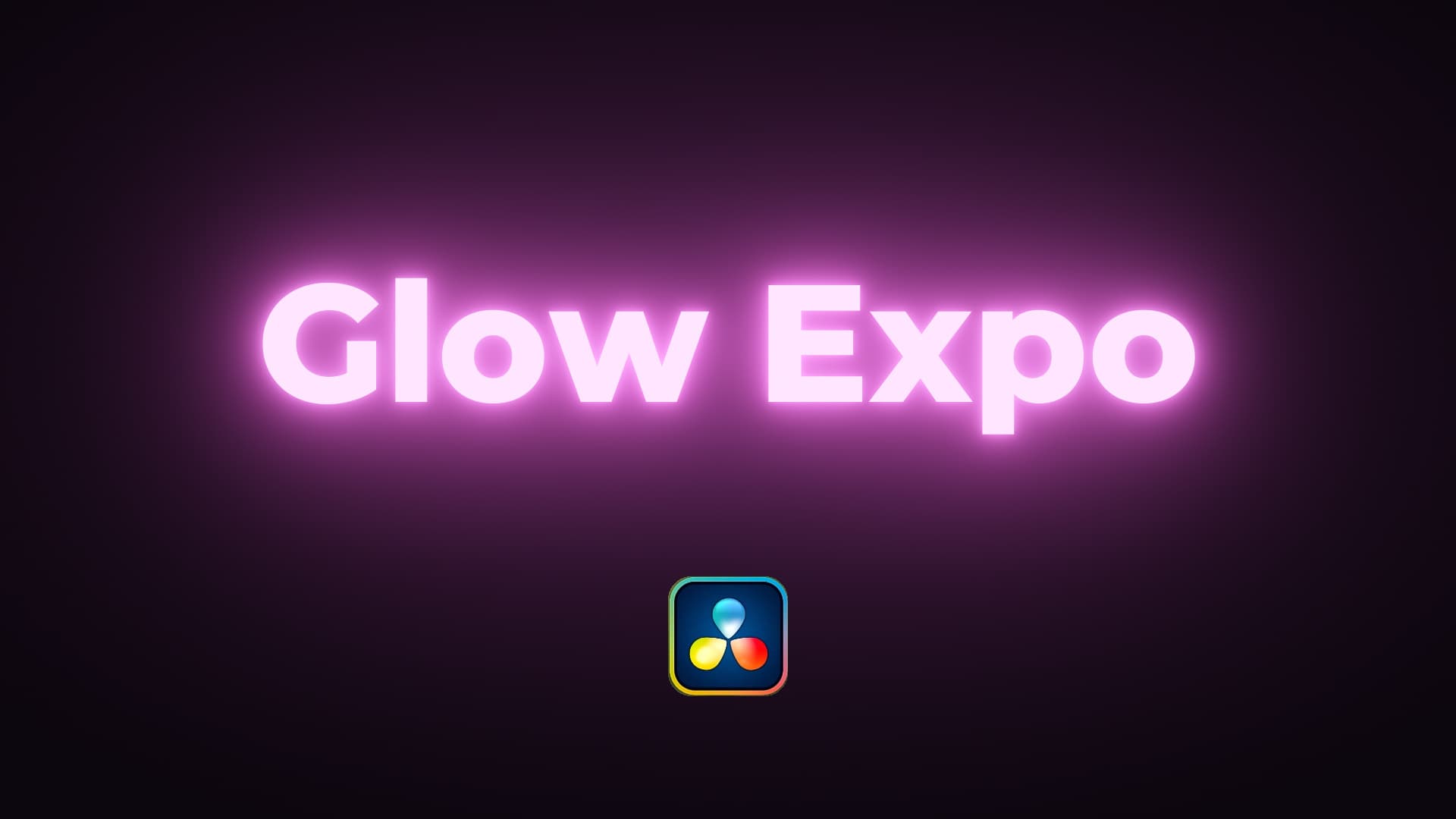
The free realistic glow for DaVinci Resolve, in real time, with neon pulse and drifting haze, no keyframes needed.
Free
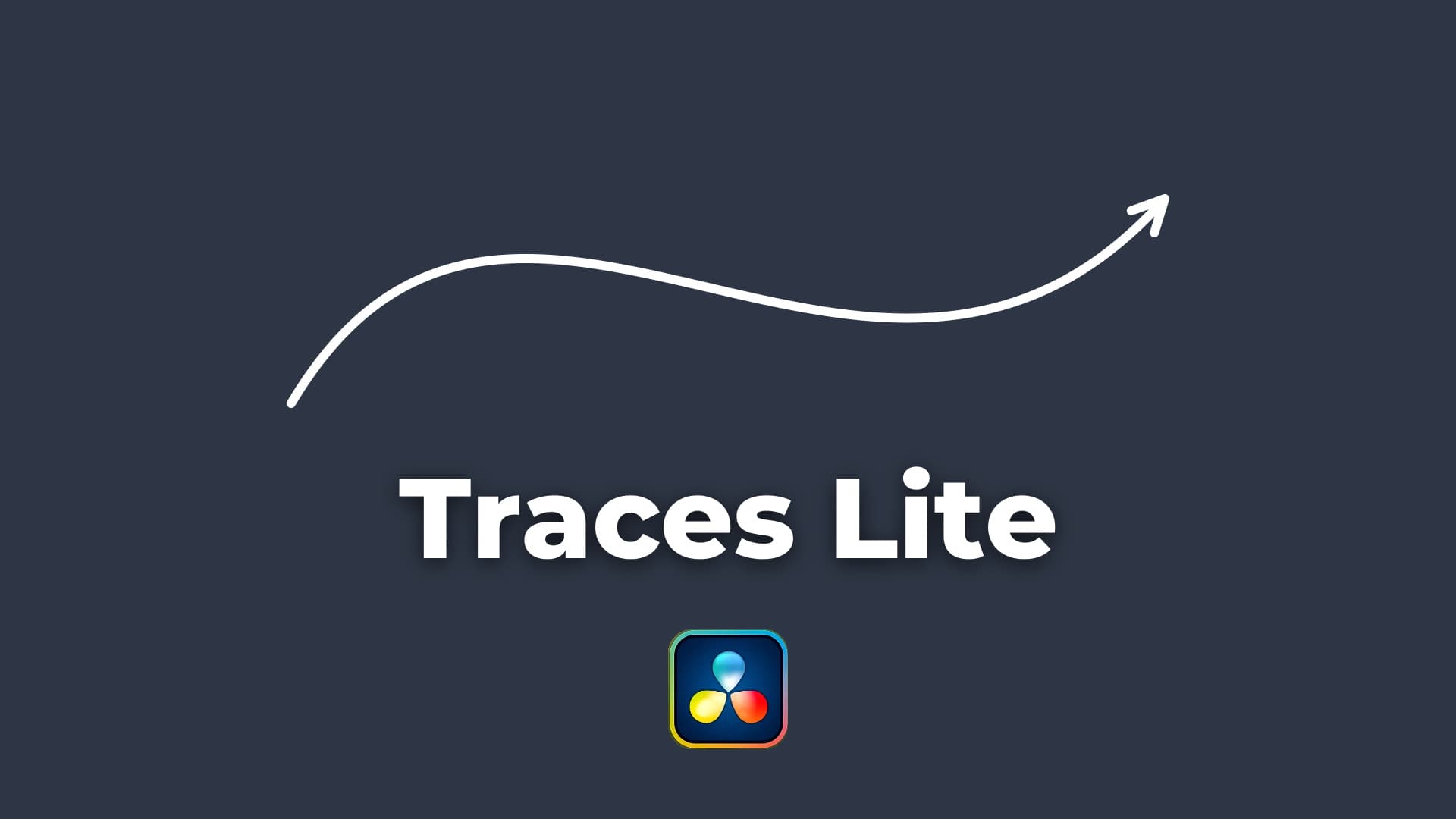
The free plugin to draw arrows, circles, rectangles and dashed lines on the Edit page of DaVinci Resolve.
Free
 New
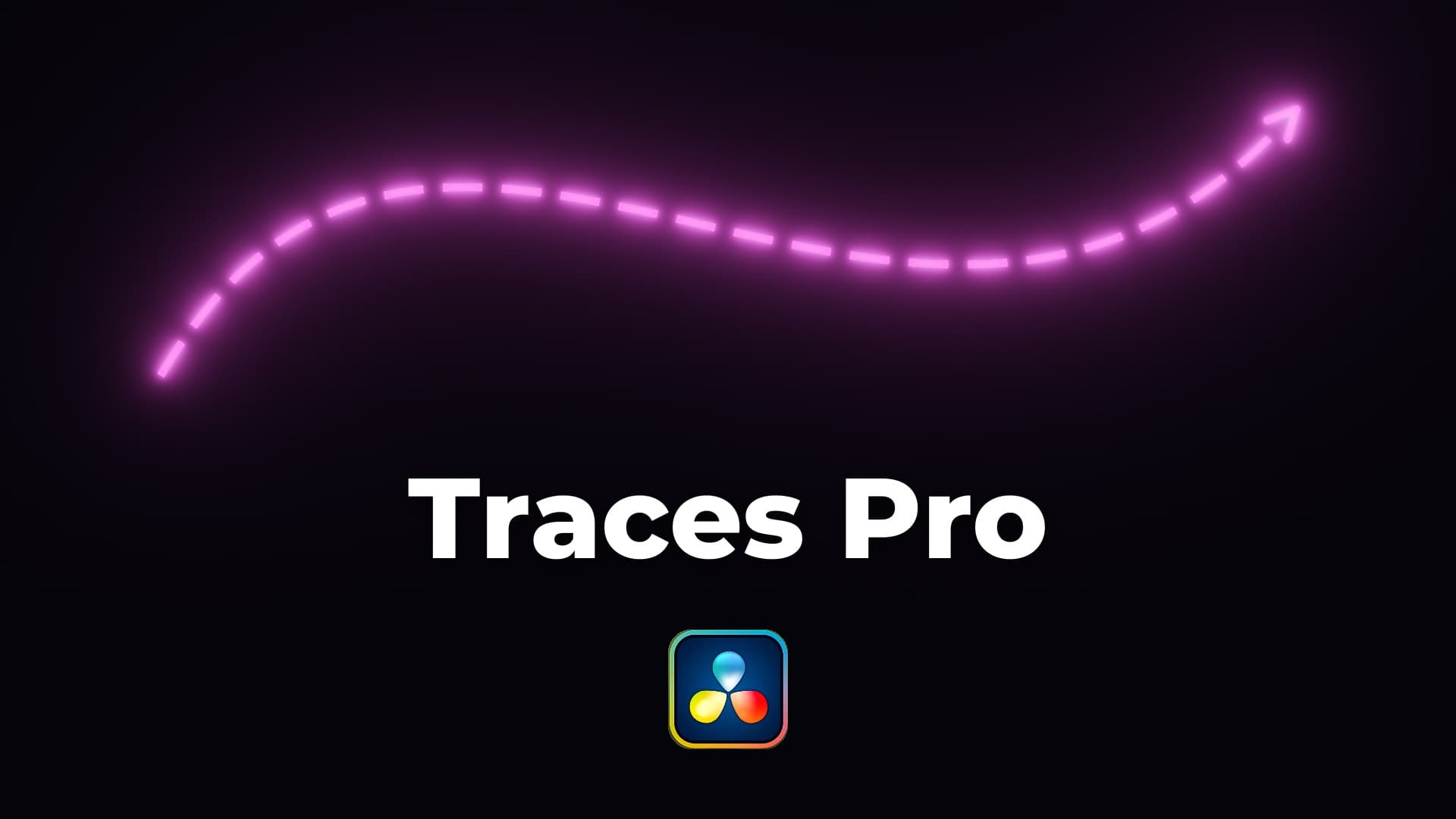
Animated arrows, circles and strokes in one click on the Edit page of DaVinci Resolve: hand drawn styles, neon, gradients, shadows and 14 presets.
€35≈ $39
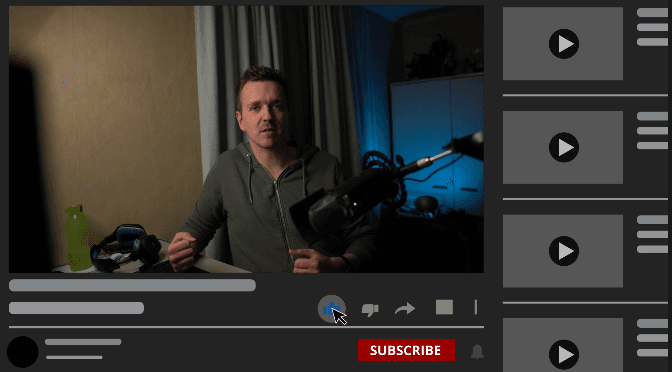
An animated YouTube subscribe screen for DaVinci Resolve. Drop it on your timeline and add your channel name and avatar.
€10≈ $11
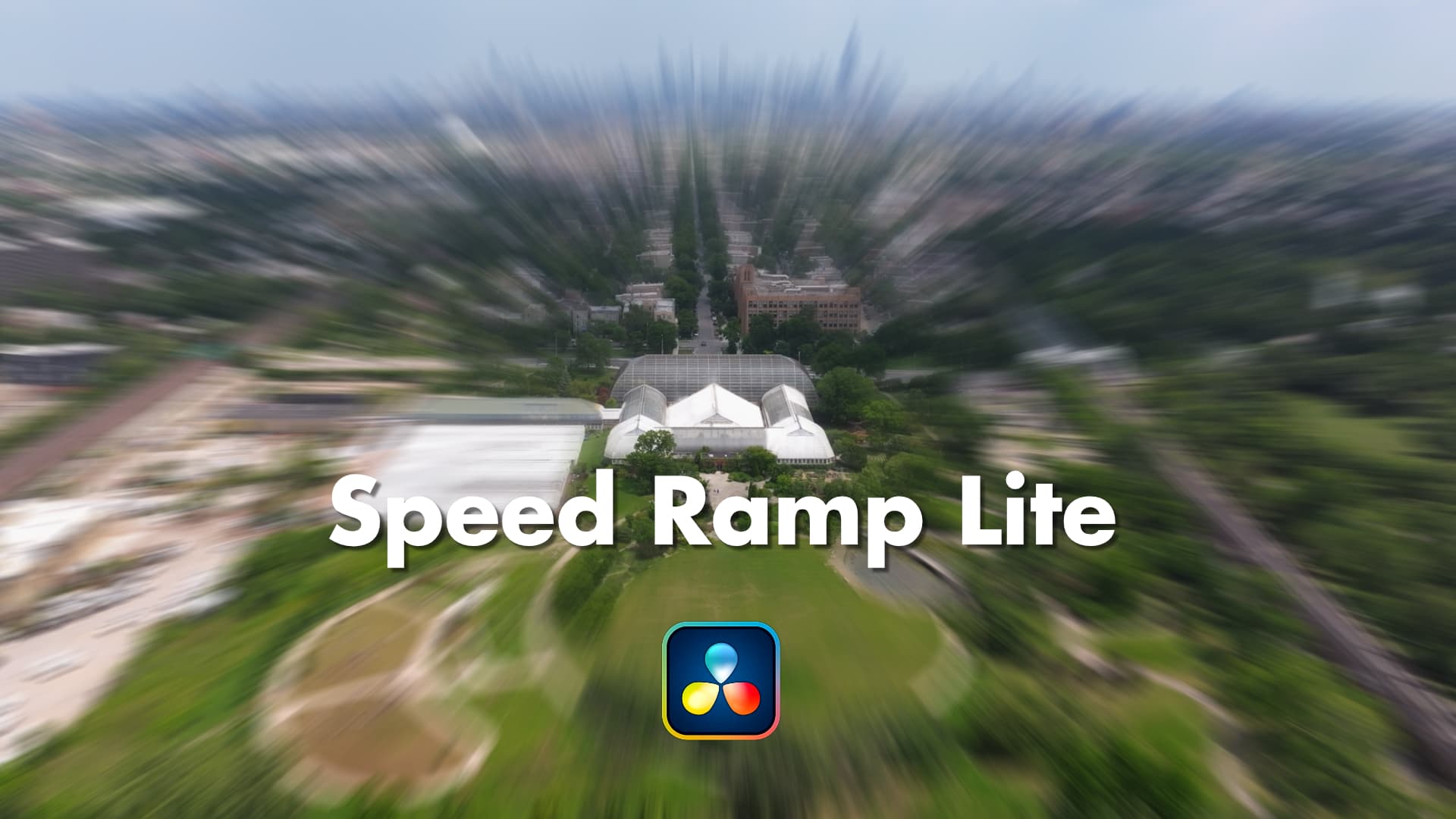
A free speed ramp plugin for DaVinci Resolve. Drop it on your clip, pick an In or Out curve, and your speed ramp is done.
Free
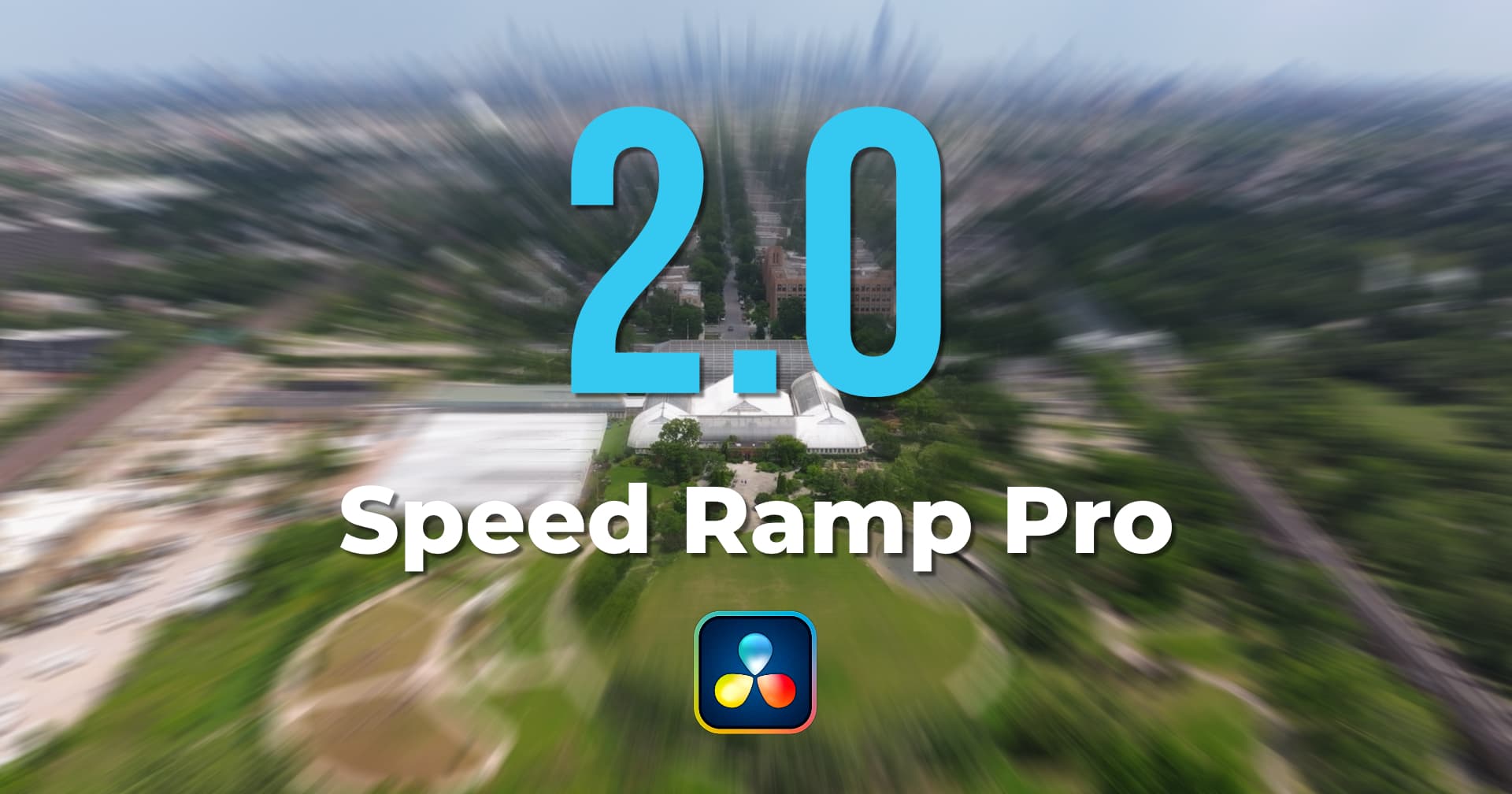 New
Speed ramps right on your clip in the DaVinci Resolve Edit page, set with sliders. No compound clip.
€35≈ $39
Your plugin is waiting in your account right after payment.
Prices are in euros; Stripe charges your card in your own currency, at the day's rate.
Not what you expected? Ask for a refund within 14 days of your purchase.
Creator Academy is the place I wish I had found when I started making videos.
I don't mean the time when, as a kid, I stole my parents' camera to try making my first videos. Or even, a little older, the first amateur film I was supposed to make with my best friend.
No, I mean the moment you realize that making videos is what you love!
At that point, you want to learn as much as you can!
Unfortunately, that's when the trouble begins.
Because, let's be honest, creators have only been sharing their behind-the-scenes for a few years.
Before, everything was kept secret. You never shared the technique behind a video or a photo, for fear that "everyone will copy me..."
Personally, I see things differently.
Maybe it's because I started sharing what I know very early. Around 15, I was teaching martial arts classes, and I kept doing it for years. Later, I gave communication training to poker players. Then, more than a passion, teaching became an essential part of my job in the public sector. And that was before I started teaching online and making tutorials about video content creation. Anyway, because I always get sidetracked, sharing what I know is part of who I am, and it's what I enjoy most.
So what could be better than sharing what I know in the fields I love? Like video editing, color grading, visual effects, 3D, storytelling...
What students say about Kriss's teaching
Pascal Lestchiner
Excellent lessons, and Chris explains things really well. Well done.
Barrère
I'm learning so much, it's great, thank you so much!!
Steve Cartelet
Well explained
F. Bounekhla
So far the trainer is perfect!
Emmanuel DANZO
After these first videos, I'm already very satisfied.
Fassou Conde
I'm very, very satisfied
FAQ - Creator Academy
Here are the answers to the questions we get asked most often. Each plugin page also has its own details and installation video.
For DaVinci Resolve users who want to work faster: YouTubers, freelance editors, colorists and motion designers. Each plugin turns a task you repeat in your edits into a few clicks. Browse them all on the plugins page.
Drag the .drfx file into the DaVinci Resolve window, confirm the installation, then restart the software. The plugin then shows up in the effects library. Every plugin comes with an installation video.
A plugin adds a tool or a feature to DaVinci Resolve, like speed ramping or drawing arrows. A template is a ready-to-use graphic element (a title, a graphics package) that you customize. Find our packs on the DaVinci Resolve templates page.
Yes. Several of our plugins are free, and we also list free plugins made by the community on the community plugins page.
No. Add it to your cart, sign in or create your account, and the download is available right away in your account, with no credit card.
Prices are in euros. Stripe charges your card in your own currency, at the day's rate. Not what you expected? You can ask for a refund within 14 days of your purchase.
In our free guides: the Fusion nodes and Color nodes pages explain what each node does, with examples, so you can use them in your own projects.
Ready to edit like a pro?
A question about Creator Academy, an idea for a resource or a technical issue? Send us a message and we will get back to you as soon as possible.