Audio in Fusion: useful, but not always on
You already know you can hear audio in Fusion, right?
The Fusion page in DaVinci Resolve plays the audio of your timeline. It is super handy for animating effects, text or VFX to the voice or music of your video. But, and there is a but, in some cases it does not work.
The problem: clips vs Fusion Compositions
In DaVinci Resolve, Blackmagic Design made things a lot easier: when you go from the Edit page to the Fusion page from a video clip, the audio plays automatically.
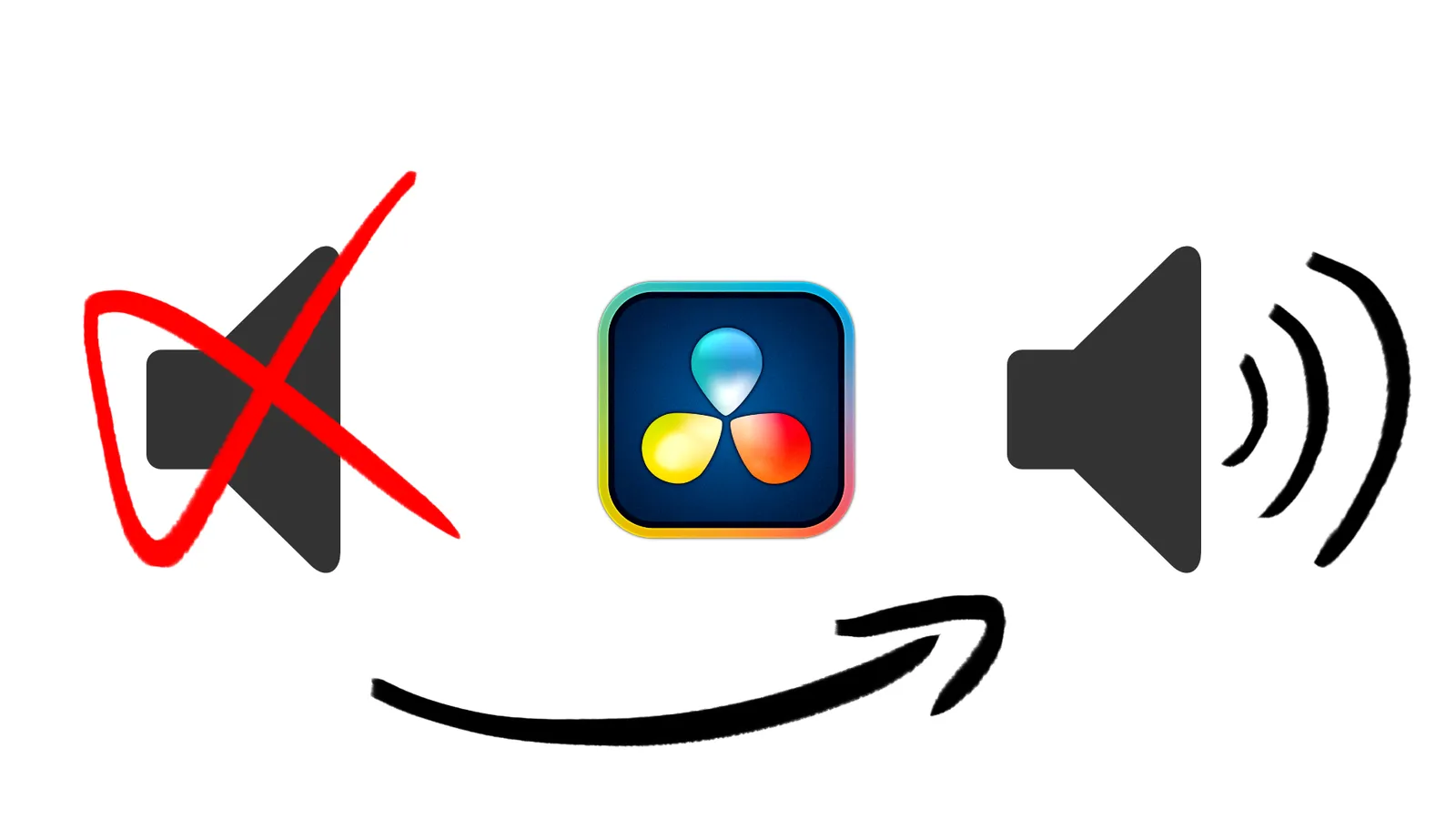
The problem shows up when you use a Fusion Composition (a clip generated specifically for visual effects). In that case, audio playback is turned off by default, which makes rhythm-based animation impossible.
The fix: add a "Media In"
Luckily, there is a very simple "little secret" to get around this. To hear your audio track again in the Fusion interface, follow this step:
- Open your composition in the Fusion page.
- Simply add a Media In node to your node tree.
Just adding a media source is often enough to "wake up" the audio engine of the Fusion page. You can then hear your music or voice-over when you press play, which is essential to sync your keyframes with the audio peaks.
Bonus tip: the audio cache
Sometimes the audio does not come back right away, or it is out of sync after you change your composition.
If that happens, I recommend going to the Audio settings to purge the audio cache. This forces the software to reload the audio data and usually fixes playback conflicts.
Conclusion
Animating visual effects or text without an audio reference is a headache. By adding a simple Media In node, you get full control over your sound design right inside Fusion.
To go further, the Fusion nodes guide explains what each node does, and the Fusion masterclass (in French) teaches you how to build your compositions and animations.
Now that your workflow runs smoothly, why not tackle the quality of your audio? If you record voice-overs, make sure they are flawless to go with your great visual effects.
FAQ
Why is there no audio in a Fusion composition?
When you open a Fusion Composition in the Fusion page, audio playback is turned off by default, unlike a video clip sent from the timeline. Adding a Media In node to the composition usually fixes the problem.
How do I hear the music while animating in Fusion?
Add a Media In node to your composition, then start playback. You will hear your music or voice-over and can line up your keyframes with the audio peaks.
What should I do if the audio stays muted or out of sync in Fusion?
Purge the audio cache from the Audio settings. DaVinci Resolve then reloads the audio data, which fixes most playback issues.