
DaVinci Resolve plugin
Creator Maps for DaVinci Resolve
Give your videos documentary-style animated maps. Type a city in DaVinci Resolve, the camera takes off.
Secure payment · Refund within 14 days
≈ $55 · charged in your currency at checkout
Try it free for 7 days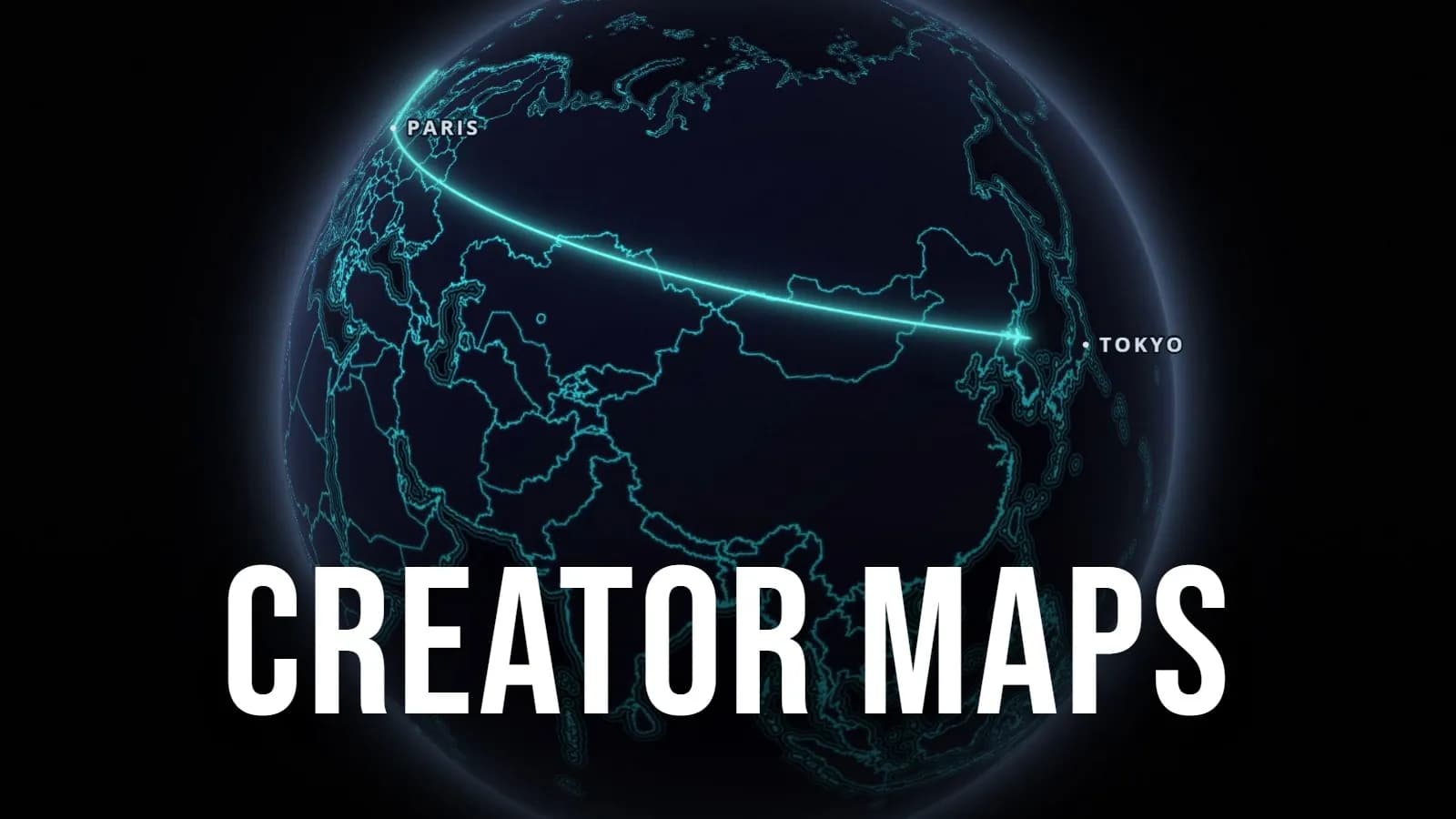

Try it free for 7 days. Made by Kriss Norde, Blackmagic Design certified trainer.
Your story happens somewhere. Show it.
A trip, an expedition, an investigation, a move, a battle from 300 years ago. At some point, your viewer needs to know where they are.
And that's often where the video drops: a Google Maps screenshot, a zoom on it, on to the next shot. Your whole edit is polished, except that one shot.
Doing better is expensive. An afternoon in Fusion for a single route, to redo the day the client changes cities. Or a template pack, with the same maps as everyone else.
So the map ends up last on the list.
I always take great care with my animated 3D maps, because they are what pulls viewers into the story. Without them, people understand it less and feel it less. Before Creator Maps, a good map took me anywhere from half an hour to several hours. Now I make one in 10 to 15 minutes.
Kriss Norde
Documentary-style animated maps, by typing a city name
You type where you start and where you arrive. Creator Maps knows more than a million places and flies the camera from one to the other, right in your timeline.
If the client prefers Lisbon to Madrid, you change one word and the shot follows.
1. Add a map
One click, it lands at the playhead, without adding anything to your Media Pool.
2. Type your places
A city, a country, or the coordinates of a remote spot copied from Google Maps.
3. Pick the move
A flight, a tour of several cities or an orbit. Your shot is ready to edit.

The shots your viewers will remember
Animations with punch
Countries that pop on screen, others that rise from the map in 3D, borders that draw themselves, a globe that rushes toward your city. Your maps keep the pace of your edit.

A country that pops 
Several countries in a cascade 
A country rising in 3D 
Several countries in 3D 
Outline drawn, then filled 
A large country drawing itself 
From the globe to the country 
Countries on the globe 
A region fading in 
Zoom, then the country in 3D 
Diving into Paris 
Diving into Tokyo
Follow your journey mile after mile
A car, a bike, a plane or a game pawn moves along your route while the counter runs. You can even start from the GPS track of your real ride.

Paris, brass car 
Brussels, wooden bike 
Madrid, metal pawn 
New York, plastic truck
The drone shot you didn't film
The camera circles the mountains. Your route follows the terrain and disappears behind the ridges.

A route on the terrain 
Orbit around Mont Blanc 
The Grand Canyon
Your numbers understood in a second
Give each country a value: its height shows right away who's ahead.

Population in Europe 
Population in South America 
Population in Asia
You feel the distance
A glowing arc leaves Paris, crosses the Atlantic and lands in New York, with the plane in front and the miles ticking by.

Paris to New York 
Several arcs on the globe 
Brussels to the world 
A tour of 4 cities
The mood of an adventure film
Your map becomes a folded sheet lying on a wooden table, with your pins and route printed on it, or an arc flying over the paper.

Route printed on the map 
Arc above the map 
Depth of field
Your own elements, stuck to the map
One click creates a Fusion composition that follows your map's motion. Put a text or a logo in it, it stays attached to the ground from start to finish.
Changed the move afterwards? One button updates it without touching your work.

A map that looks like your video
Documentary, vintage, neon, control screen, newspaper... One click changes the whole style, then every color is yours. Your map won't look like everyone else's.


Control screen 
Folded paper 
Documentary 
Vintage 
Neon 
Clean 
Street plan 
Cinema 
Geographer 
City at night 
Blueprint 
Paper (city) 
Black and gold 
Newspaper 
Political map 
Mono minimal
What you get
Creator Maps and its panel, 16 looks, the 3D game pieces, places from all over the world and an installation guide. Updates are included.
Launch price: €50 instead of €100. You pay once, no subscription.
A single afternoon lost on a map in Fusion already costs you more.
Try it free for 7 days, on your own projects.
What you need
DaVinci Resolve Studio 21.2 or later, on Windows or Mac. Creator Maps doesn't work in the free version of DaVinci Resolve. A license activates on 2 computers. An Internet connection is only needed to download streets, terrain and satellite images.
Your next video happens somewhere. This time, your viewers will see it.
Certified trainer
Blackmagic Design certified trainer - Kriss Norde
Certificate code 8569-242A-D684-44B1

FAQ
Frequently asked questions
Everything you need to know before getting Creator Maps for DaVinci Resolve.
Is it the GEOlayers equivalent for DaVinci Resolve?
+
GEOlayers exists as an After Effects extension and as a web app. If you edit in DaVinci Resolve and want the same kind of animated maps, Creator Maps makes them without leaving Resolve. It's an independent tool, with no link to GEOlayers or its publisher.
Do I need to know Fusion?
+
No. Everything is set in the panel, with a live preview, and the map lands in your timeline like a clip.
Does it work with the free version of DaVinci Resolve?
+
No. Creator Maps requires DaVinci Resolve Studio 21.2 or later. Use the 7-day free trial to check it on your computer.
Do I need a subscription for the maps?
+
No. Countries and place search are included. Streets, terrain and NASA satellite imagery download for free, with no account. Only detailed satellite imagery down to street level needs your own MapTiler key.
Can I use my maps in commercial videos?
+
Yes, as long as you keep the data credits, shown automatically on the map or copied into your description. For detailed satellite imagery, it depends on your MapTiler plan: their free plan is for non-commercial use only.
Does it play in real time?
+
In 1080p, our test maps play at 25 frames per second on an RTX 5090. In 4K, expect 17 to 20 frames per second on the same machine, with Resolve's render cache for smooth playback.
Ready to get started?
Give your videos documentary-style animated maps. Type a city in DaVinci Resolve, the camera takes off.
€50(≈ $55)
Refund within 14 days