
DaVinci Resolve plugin
Creator Palette for DaVinci Resolve
Titles that read on every shot, without leaving DaVinci Resolve. Palette measures your title against the shot behind it and fixes it in one click, with your colors and fonts.
Secure payment · Refund within 14 days
≈ $28 · charged in your currency at checkout
Try it free for 7 days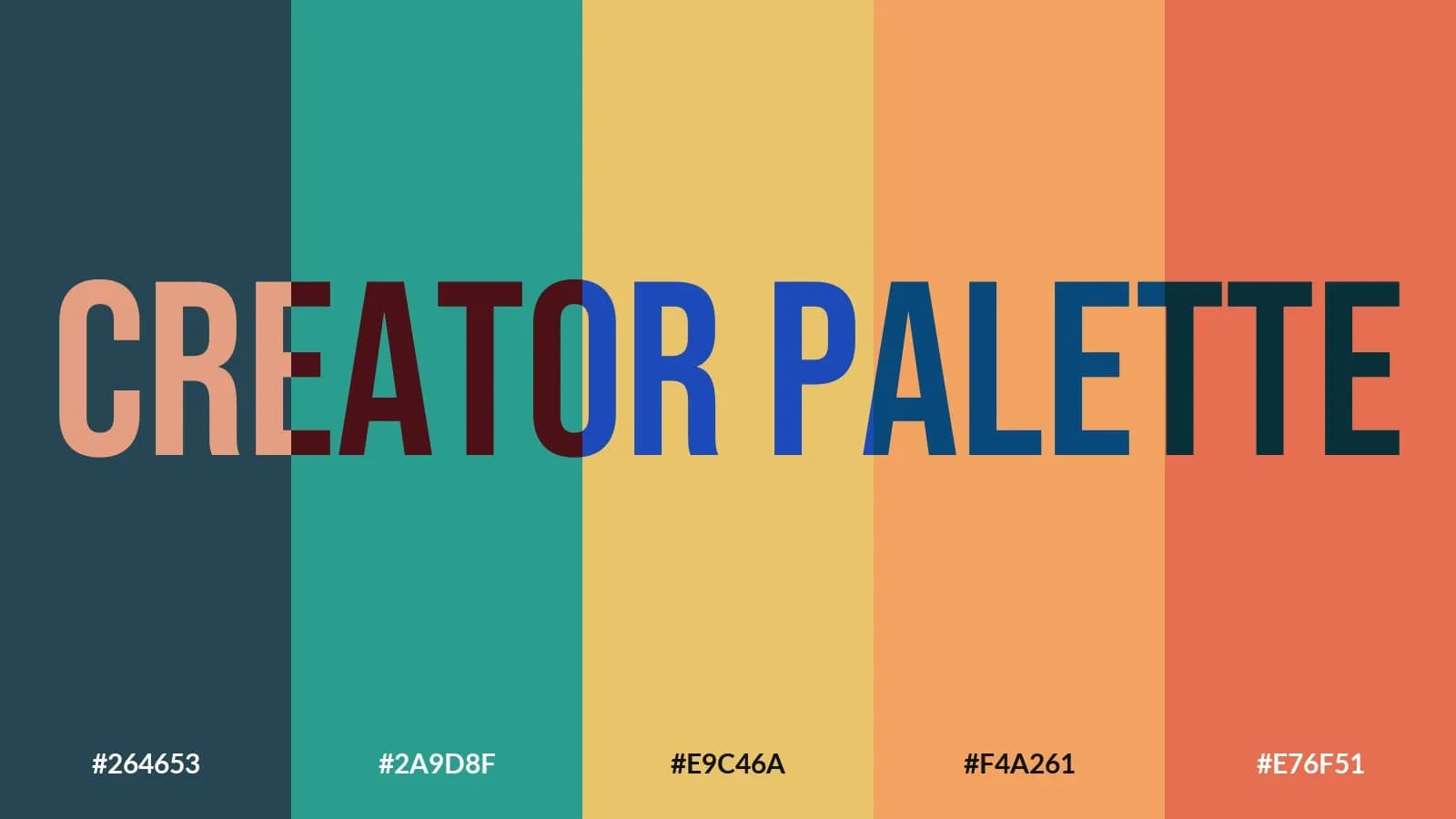

Try it free for 7 days, no credit card. Made by Kriss Norde, Blackmagic Design certified trainer.
A great title in the palette, unreadable on the shot
To find colors that go together, you open Coolors or Adobe Color, copy the codes, go back to DaVinci Resolve and paste them into every Text+. Then the title lands on a bright sky or a face, and it disappears.
Your color palette, right inside DaVinci Resolve
Palette opens next to your timeline. No website to open, no code to copy, no other software.
1. Create your palette
Press Space: a new palette. Lock the colors you keep, the others change.

Or turn the color wheel: the whole palette follows and keeps its harmony.

2. Check it on your footage
Palette measures the title under the playhead, against the shot behind it. Here, every letter reads.

3. Apply
Click a color, and the title changes in your timeline.
What it changes
Your DaVinci Resolve titles read, on every shot
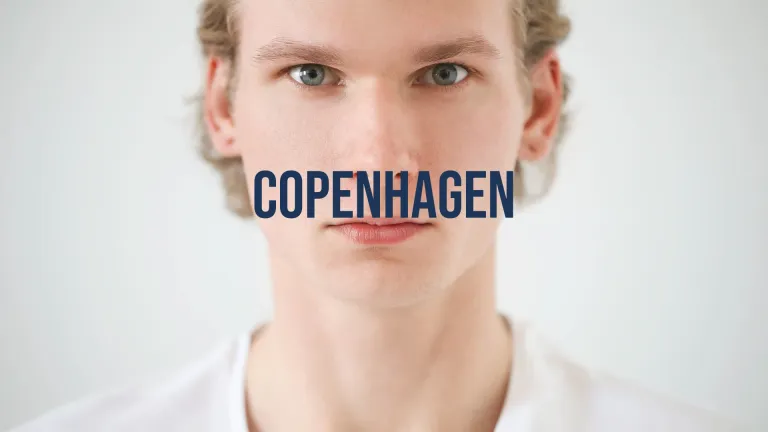
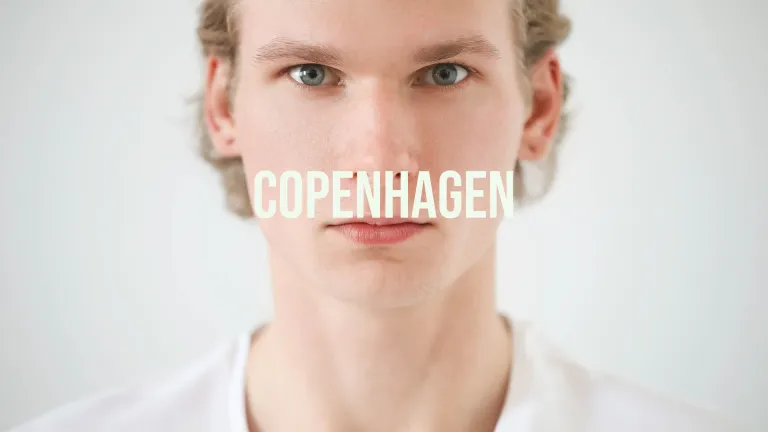
Palette compares each letter to the image behind it and looks in your brand kit for the color that reads on this shot. Here, white disappears on light skin; the brand kit's blue reads, no outline needed.
The whole timeline checked at once
One button, "Check all titles": Palette puts a marker on every hard-to-read title, with the percentage and the advice. No more going through titles one by one.
The client's brand kit changed everywhere
The client changes their color or font? Palette replaces it across the whole timeline at once. The saved brand kit comes back by itself when you reopen their project.
Font pairing that works on video
Title, subtitle and body suggested together, free for commercial use, installed in one click without leaving DaVinci Resolve.

Palette also turns them into a brand sheet to send to the client.
Using Composer? Palette also sets the colors and fonts of its titles, text by text.
What you get
The Palette panel for Windows and Mac, in English and French, with a PDF installation and user guide. A license for two computers. Updates are included.
Copying a brand kit into forty titles, then checking each one on its shot, takes an evening. With Palette, it's a few clicks, without leaving DaVinci Resolve.
Launch price: €25 instead of €35, for a limited time.
Try it free for 7 days, no credit card.
What you need
DaVinci Resolve Studio 21.2 or later, on Windows or Mac. Palette doesn't work with the free version: Blackmagic Design keeps panels like this one for DaVinci Resolve Studio.
Installing takes one move: you drag a folder to the right place, then enter your key. The guide walks you through it.
Your next titles can read the first time.
Certified trainer
Blackmagic Design certified trainer - Kriss Norde
Certificate code 8569-242A-D684-44B1

FAQ
Frequently asked questions
Everything you need to know before getting Creator Palette for DaVinci Resolve.
I already use Coolors or Adobe Color, what is Palette for?
+
You can import your codes or a Coolors link into it. The difference: everything happens inside DaVinci Resolve. You create the palette, check it on your real footage and apply it to your titles, without copying a single code.
I'm not a designer: how do I pick colors and a font pairing that work?
+
Palette suggests them for you, in harmony on the color wheel, with fonts that go together. Then it tells you plainly whether your title reads on the image and what to do so it does.
Does Palette work with the free version of DaVinci Resolve?
+
No. Palette is a Workflow Integration panel, and Blackmagic Design keeps those panels for DaVinci Resolve Studio.
What does Palette apply colors to?
+
Text+ (text, outline, shadow, border), colored tools in Fusion compositions, Composer titles and each text of a Multitext.
Can I go back?
+
Yes. After each action on the timeline, the message offers Undo, which puts everything back as it was.
Can I try it before paying?
+
Yes, free for 7 days, on one computer. If you buy it afterwards, it's the same key: nothing to reinstall.
Ready to get started?
Titles that read on every shot, without leaving DaVinci Resolve. Palette measures your title against the shot behind it and fixes it in one click, with your colors and fonts.
€25(≈ $28)
Refund within 14 days