Why Is DaVinci Resolve the Professionals' Favorite Tool?
In the world of professional video, tools evolve quickly. Yet one program is increasingly establishing itself as an essential reference: DaVinci Resolve. Used by independent creators and post-production studios alike, it wins people over with its power, its versatility and its way of working.
But why do so many professionals make this choice? Is it simply a matter of features, or is there a real difference in the way you work?
In this article, we will look at why DaVinci Resolve has become one of the most popular programs in the video world and what makes it so effective today 🎬.
An All-in-One Program for Post-Production
One of the main reasons for DaVinci Resolve's success is its ability to bring several crafts together in a single program.
Traditionally, a video project requires several different tools: one for editing, one for visual effects, one for color grading and another for sound. Multiplying programs often leads to wasted time, file errors or compatibility problems.
DaVinci Resolve takes a different approach. Everything is built into a single interface. In the same project, you can:
- Edit your footage.
- Add visual effects.
- Correct and stylize colors.
- Mix the audio.
- Export for different platforms.
This centralized logic saves time and makes working much smoother. It is a major advantage for professionals who handle complex projects every day 🚀.
Powerful, Intuitive Video Editing
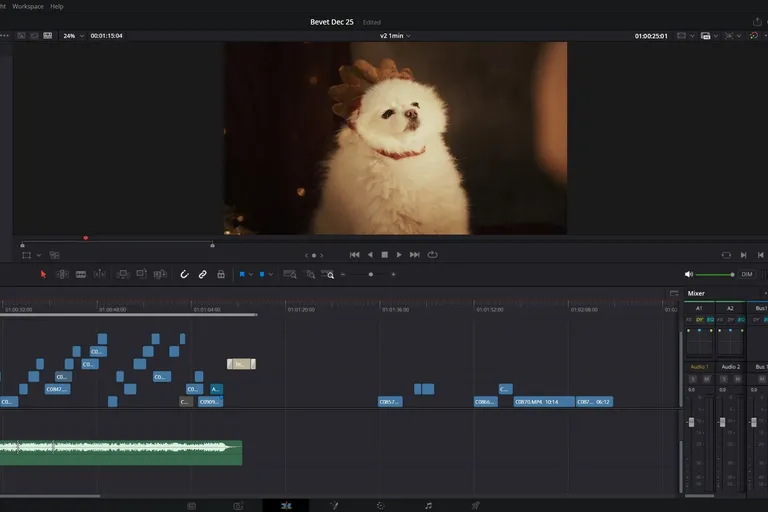
The editing side of DaVinci Resolve has become extremely capable in recent years.
Professionals particularly appreciate:
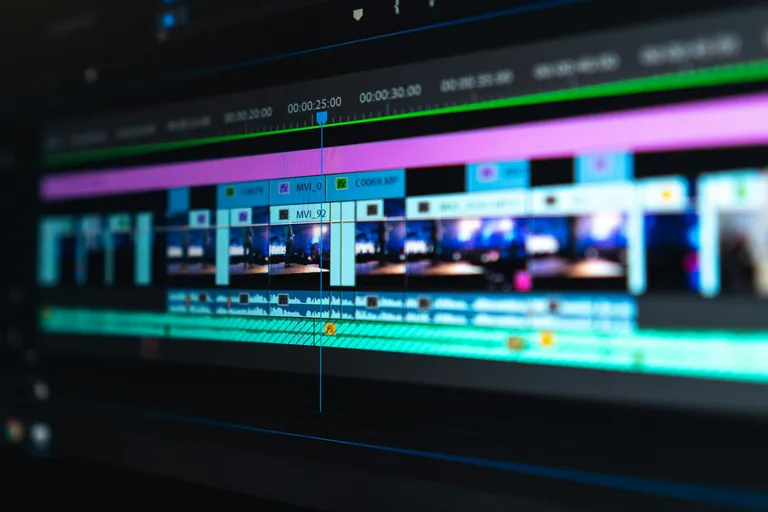
- Advanced timeline management.
- Precise trimming tools.
- Efficient media management.
- Fast workflows for complex projects.
The Edit page lets you structure a project with great precision while keeping a clean interface.
To master this essential part of the software, it is often useful to take a DaVinci Resolve editing course (in French) to learn the right methods for organization and storytelling.
💡 Good to know: a large part of a video's quality depends on the structure of the edit. That is where rhythm and emotion are built.
Built-In Visual Effects with Fusion
Visual effects are now an integral part of video creation. Animated titles, advanced transitions, keying or compositing: these elements often bring real visual value to a project.
With the Fusion page, DaVinci Resolve includes a true node-based visual effects engine.
It lets you:
- Create complex animations.
- Do keying and compositing.
- Add dynamic effects.
- Build custom transitions.
Unlike some programs that require third-party plugins or additional software, everything is directly available inside the Resolve environment. Creators who want to explore this world can go deeper into these techniques with the dedicated Fusion course (in French).
🎥 It opens up almost endless creative possibilities.
A Worldwide Reference for Color Grading
If DaVinci Resolve became famous, it was first thanks to its color grading engine.
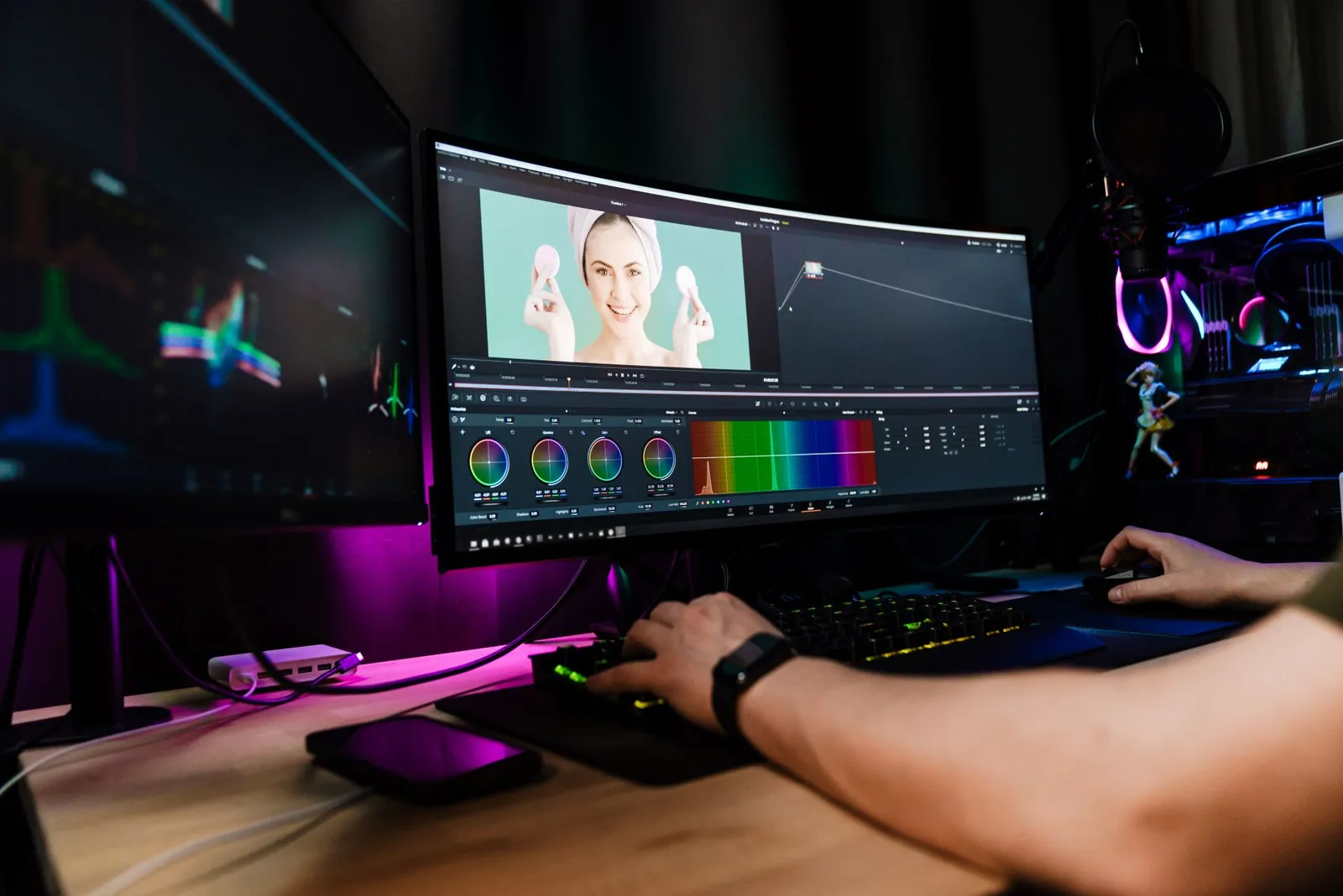
Color is a key element in how a video is perceived. A well-graded image immediately looks more professional.
Studios particularly appreciate:
- Accurate scopes.
- Advanced color management.
- Very powerful correction nodes.
- Color space management.
These tools let you fix image flaws but also create a unique visual style. Creators who want to develop this skill can take a color grading course (in French) to understand the basics of color and professional workflows 🎨.
💡 Our advice: learning color grading is often what takes a video from amateur to professional level.
A Complete Audio Environment with Fairlight
Sound is often underestimated, even though it plays an essential role in the experience of a video. DaVinci Resolve includes a true audio studio with the Fairlight page.
This environment lets you handle:
- Voice and music mixing.
- Audio effects.
- Multitrack editing.
- Sound cleanup and balancing.
If you want to go further with audio, you can specialize with a mixing and sound design course (in French). A good mix can completely transform how a video is perceived 🔊.
Software Adopted by Professionals
DaVinci Resolve is not only popular with independent creators. It is also used in:
- Film studios.
- Television networks.
- Production agencies.
Post-production studios.
This widespread adoption comes down to the reliability of the software and its ability to handle complex projects.
A Tool Accessible to Creators
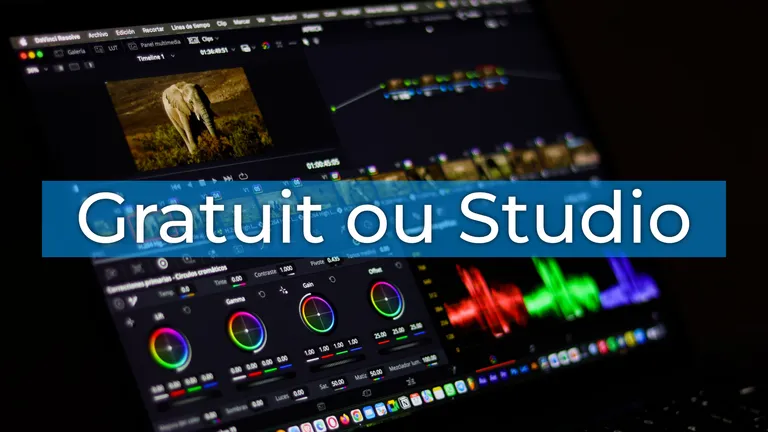
Another reason for DaVinci Resolve's success is its accessibility. Unlike some very expensive programs, Resolve offers an extremely complete free version.
This lets many creators start learning without a significant investment.
For those who want to structure their progress, a video course with Creator Academy lets you learn the software step by step and adopt professional methods. Today, mastering Resolve is an increasingly sought-after skill in video jobs.
A Growing Community and Ecosystem
Over the years, DaVinci Resolve has built a very active community. Today you will find:
- Specialized content creators.
- Learning resources.
- Plugins and extensions.
- Help forums.
This community helps practices evolve and new techniques spread. For users, it is a real advantage: you can always find solutions, ideas or inspiration.
DaVinci Resolve, the Number One Tool for Professionals: The Recap
DaVinci Resolve is now a central program in the video world. Its ability to bring editing, visual effects, color grading and audio together in a single environment makes it an extremely powerful tool.
For professionals and independent creators alike, it is an efficient, modern and lasting solution. And as video becomes an essential language, mastering this software is becoming a particularly valuable skill.
FAQ
Is DaVinci Resolve used in professional filmmaking?
Yes. Many films, series and TV productions use DaVinci Resolve, especially for color grading and post-production.
Is the free version enough to work with?
Yes. The free version already offers a large share of the features you need for editing, color grading and export.
Is DaVinci Resolve hard to learn?
The software can feel dense at first, but with a structured course, you progress much faster.
Is Resolve suited to web content creators?
Yes. It lets you easily export formats suited to YouTube, Instagram or TikTok while keeping professional quality.