DaVinci Resolve is one of the most complete video editing programs on the market today. Developed by Blackmagic Design, it is used by beginners as well as by film and TV editors and colorists.
Before getting started, almost everyone asks the same question: how long does it take to master DaVinci Resolve? The answer depends on your starting level, how much time you spend practicing, your goals and the way you learn. Here are concrete milestones, step by step.
1. Mastering DaVinci Resolve doesn't mean knowing everything
Many beginners think you need to know every feature of the software to be competent. Nobody knows all of DaVinci Resolve, not even editors who have used it every day for years.
Mastering DaVinci Resolve first means being able to handle a complete project on your own: importing and organizing your media, editing on the timeline, adding a few effects and transitions, fixing the sound and exporting a clean file. Everything else comes with each new project, as you need it.
2. The first few days are about understanding the interface
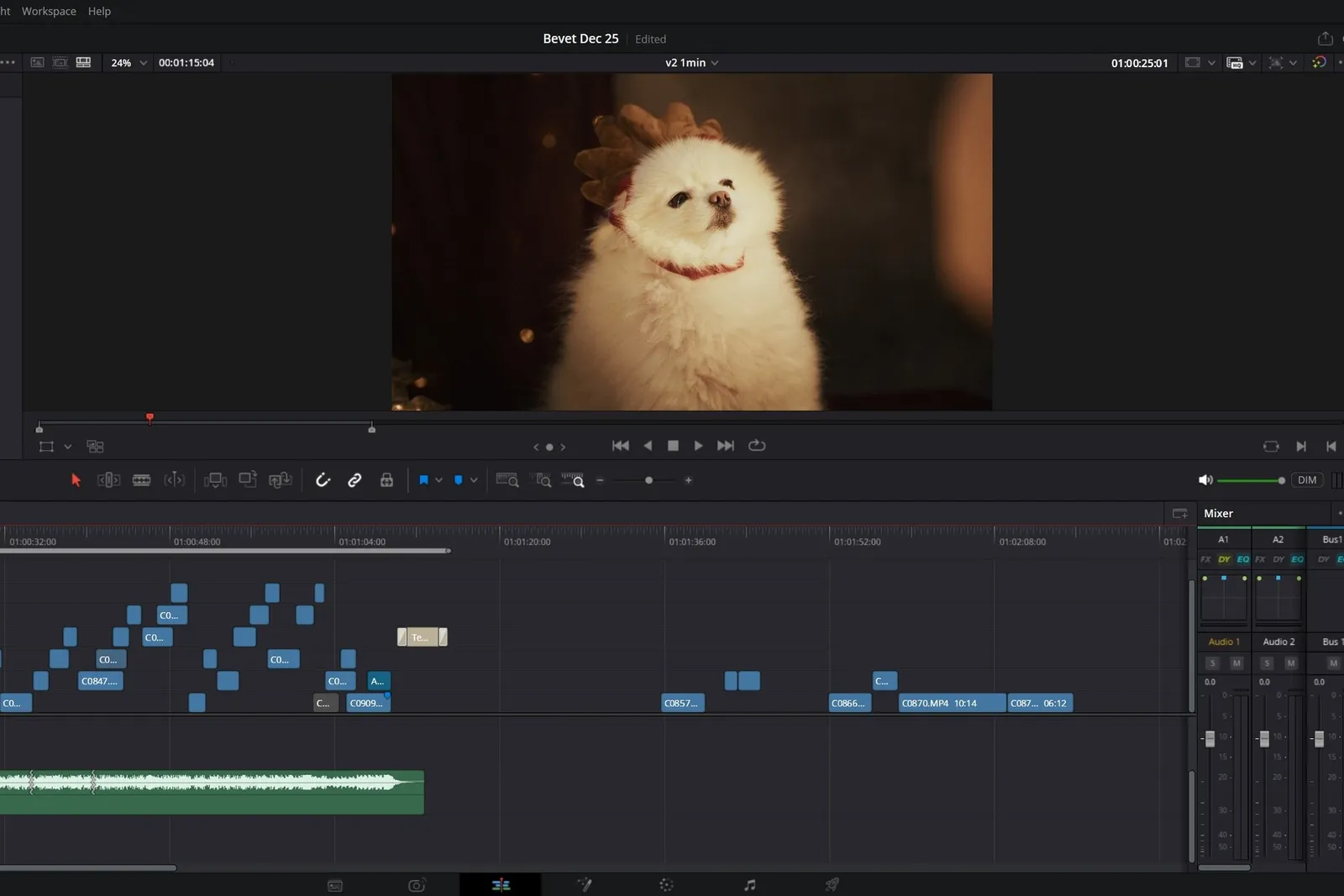
Getting started takes a little patience. DaVinci Resolve is organized into pages, each dedicated to one stage of post-production. You switch from one to the next with the icon bar at the bottom of the screen.
- Media: import and sort your files.
- Photo: retouch and grade photos, new in version 21.
- Cut: fast editing, designed for short formats.
- Edit: classic timeline editing.
- Fusion: visual effects and animation, with nodes.
- Color: color grading.
- Fairlight: audio mixing.
- Deliver: export.
To get started with editing, Edit, Color, Fairlight and Deliver are more than enough.
At first, it's normal to search for where a given tool or setting is. Get into the habit of learning two or three keyboard shortcuts per session (B for the blade, A for selection, Ctrl+B or Cmd+B to cut under the playhead): that's what makes the speed difference between a beginner and a confident editor.
3. Learning DaVinci Resolve: a few weeks for the basics
With regular practice, a few weeks are enough to edit a simple project on your own. You'll know how to import your footage, cut your clips, organize the timeline, add titles and transitions, set audio levels and export your project.
This first phase is the most discouraging, because everything takes time. It's also the one where progress shows the fastest: your second edit often takes half as long as the first.
4. Plan on several months to go further
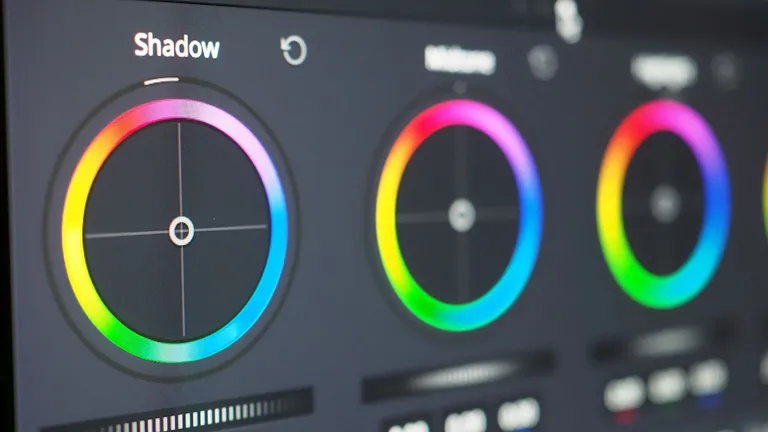
The learning curve of DaVinci Resolve gets steeper once you go beyond simple editing. Each page is almost a program of its own: the Color page rivals the grading tools used in film, Fusion works with nodes like visual effects software, and Fairlight is a real audio mixing station.
To reach an advanced level, you'll gradually need to learn color grading, audio mixing, visual effects and animation, then how to manage heavier projects (proxies, optimized media, collaborative work). This progression takes several months of regular practice. Here again, consistency matters more than speed.
To know what to work on first, our list of 10 DaVinci Resolve features you absolutely need to know is a good starting point.
5. Real projects speed up learning
Watching tutorials helps you discover a tool. Editing real projects is how you remember it. Every project forces you to organize your media, solve problems the tutorials don't cover (a Media Offline, an export that crashes, audio sync that drifts) and find your own way of working.
Pick short, varied projects: a two-minute vlog, a trailer, a music video, a video for a friend or family member. You'll finish every project, and each one will teach you something different. To avoid the classic traps on these first edits, here are the 10 most common video editing mistakes.
The more you edit, the more natural the software and its plugins become. To save time in Fusion, you can also start from ready-to-use Fusion nodes, available for free.
6. Your goal changes the time you need
How long it takes to learn mostly depends on what you want to do with it:
- To publish videos on YouTube or social media, a few weeks can be enough.
- To become a freelance videographer, plan on several months, the time it takes to master the whole post-production pipeline.
- To work in film or television, it often takes a year or more, especially for advanced color grading, visual effects and collaborative work.
7. A DaVinci Resolve course saves you time
You can absolutely learn DaVinci Resolve on your own, with online tutorials and Blackmagic Design's free guides. The problem is the time lost between two tutorials: figuring out which tool to use, which page to open, in what order to do things, and why the same setting doesn't give you the same result.
A well-built DaVinci Resolve course (in French) avoids these roadblocks with a progressive path, hands-on exercises and mini-projects, and advice from a professional who knows where beginners go wrong. If you're still hesitating, here are 10 things to know before starting a DaVinci Resolve course.
8. The free version is more than enough to learn
There's no need to buy the Studio version to get started. The free version of DaVinci Resolve already lets you edit, grade, mix sound, create animations and visual effects, and export in high quality up to Ultra HD.
The Studio version mainly adds the Neural Engine AI tools, noise reduction, exports beyond Ultra HD 60 frames per second and some hardware acceleration. The details are in our comparison DaVinci Resolve free vs Studio.
Mastering DaVinci Resolve: key takeaways
You won't master DaVinci Resolve in a few days. To work on your own in the software, plan on 20 to 40 hours of practice spread over several weeks. To use everything it can do and reach a professional level, several months of practice will be necessary.
What really moves you forward: progressing page by page, doing lots of small projects and practicing often. With a structured method, you'll quickly be able to edit a smooth video, organize your media and timeline, lay the foundations of color grading and deliver clean sound.
Learn DaVinci Resolve with Creator Academy
The Creator Academy DaVinci Resolve course (in French) is designed by Kriss Norde, a Blackmagic Design certified trainer. It supports beginners as well as creators who want to level up: getting comfortable with the different pages, first edits, color grading, audio and visual effects, all the way to exporting your projects in the best conditions. You learn at your own pace, with hands-on exercises at every step.
FAQ
How long does it take to master DaVinci Resolve?
Plan on a few weeks to handle the basics on your own and several months for an advanced level, depending on your starting level, how often you practice and your goals. Consistency is the best way to progress fast.
Is DaVinci Resolve good for beginners?
Yes. The interface is very complete, but the Cut page and the Edit page are enough to get started. A structured course helps you quickly understand the basics of editing, audio and color grading.
Is the free version of DaVinci Resolve enough?
Yes. It includes the vast majority of the features you need to learn video editing and produce professional-quality projects.
Can you learn DaVinci Resolve on your own?
Yes, with online tutorials and Blackmagic Design's free guides. A course mainly saves you time: a clear path, hands-on exercises and answers to the roadblocks tutorials don't cover.
Does a DaVinci Resolve course help you progress faster?
Yes. It saves you from figuring out on your own what to learn and in what order, and it gets you practicing on real projects from the start.