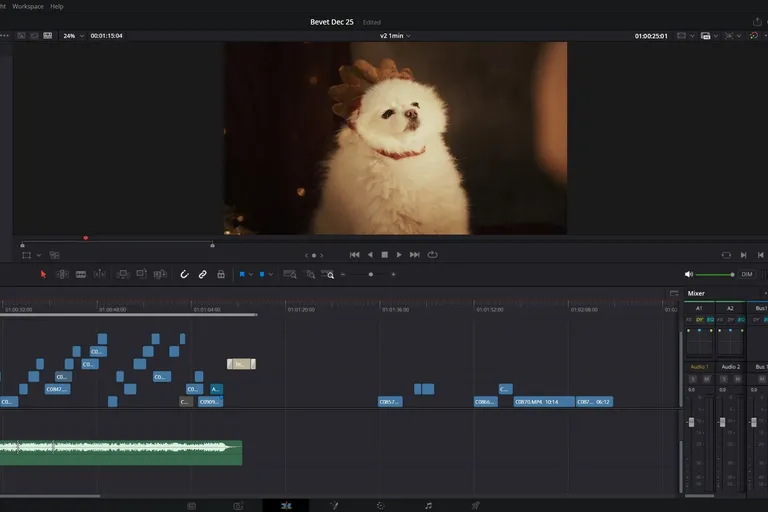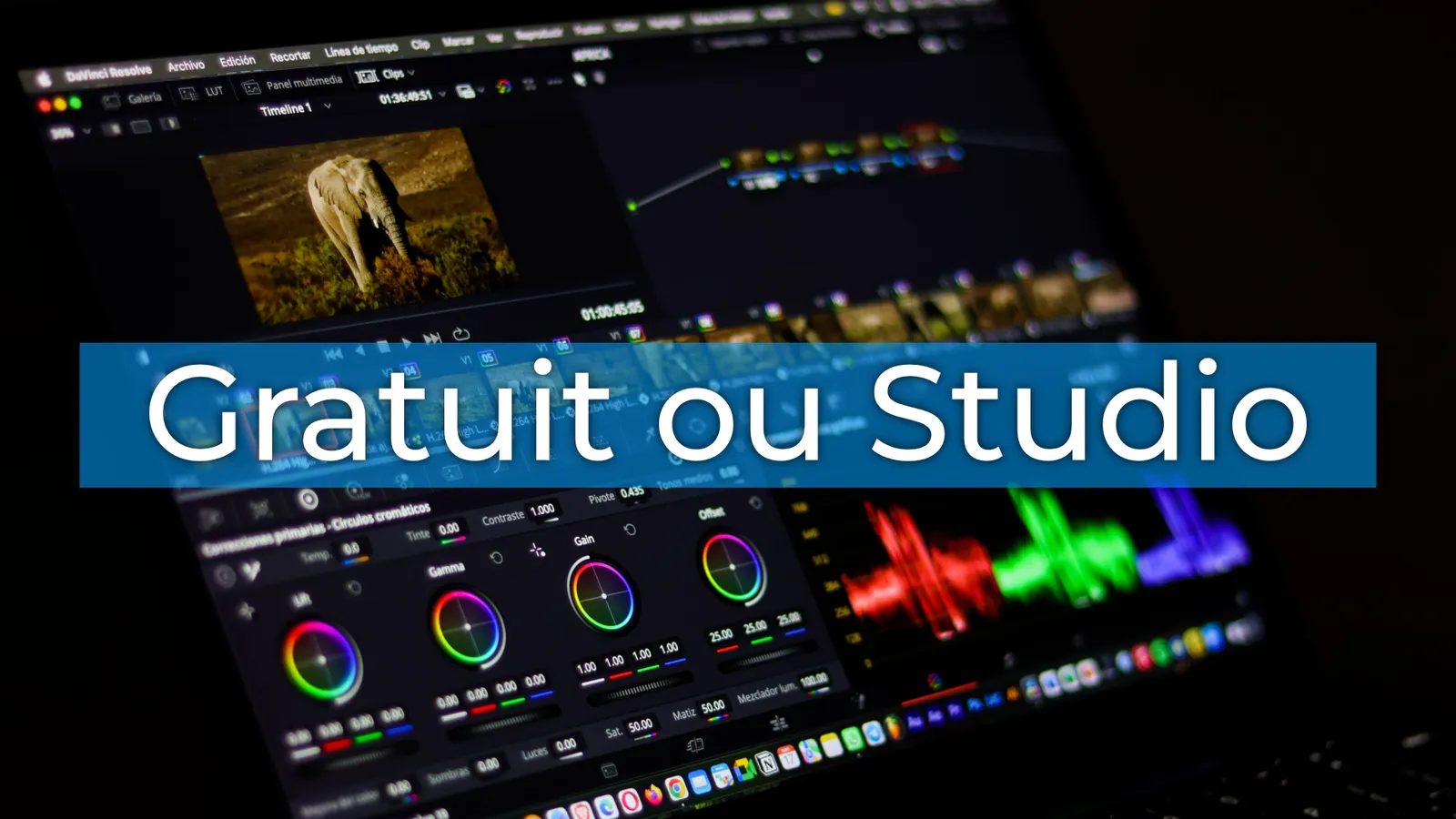
Yes, DaVinci Resolve is free. You pay no subscription and your exports come out with no watermark. The paid version, DaVinci Resolve Studio, costs €255 as a one-time purchase, updates included. That is what makes it, in my opinion, the best starting point for creators who are new to video editing, and one of the most serious alternatives to Adobe Premiere Pro and Final Cut Pro.
The real question: when does the free version hold you back? Blackmagic Design, the company behind DaVinci Resolve, has just released two official documents for version 21.1: the list of features reserved for the paid edition and the list of formats by operating system. I went through them for you. I am a Blackmagic Design certified partner and I edit every day on the paid license, so I will also tell you what matters in practice.
What the free DaVinci Resolve already does
This free video editing software includes every page: Cut, Edit, Fusion, Color, Fairlight, Deliver, and the new Photo page. You edit, you color grade, you create visual effects and motion graphics, then you handle your audio post-production in the same interface.
Its official limits:
- maximum resolution of UHD (3840 x 2160);
- 60 frames per second at most;
- audio sample rate below 96 kHz (96 kHz and above require the paid license).
For a YouTube channel or corporate videos, that covers the vast majority of needs. You can also use it for client projects, nothing forbids it.
Third-party plugins work in the free version too. Some options still need the paid edition: my Speed Ramp Lite works in the free version, but its motion blur requires Studio. If you are looking for free plugins, I listed 8 of them in this article.
What DaVinci Resolve Studio unlocks
The table below covers the differences that change your day-to-day work as an editor. The official feature list runs over a hundred lines, and many of them concern feature films and high-end production.
| Feature | Free | Studio |
|---|---|---|
| Resolution beyond UHD (6K, 8K…) | No | Yes |
| More than 60 frames per second | No | Yes |
| Automatic subtitles and transcription | No | Yes |
| Magic Mask (AI masking) | No | Yes |
| Voice Isolation (voice cleanup) | No | Yes |
| Video noise reduction (spatial, temporal, UltraNR) | No | Yes |
| Motion blur | No | Yes |
| Speed Warp (AI slow motion) | No | Yes |
| SuperScale (AI upscaling) | No | Yes |
| Smart Reframe (auto vertical reframing) | No | Yes |
| Film Look Creator, Film Grain, Halation | No | Yes |
| Face Refinement, Beauty, Object Removal | No | Yes |
| Camera tracker in Fusion | No | Yes |
| Dolby Vision, HDR10+ and HDR scopes | No | Yes |
| Background rendering, multiple GPUs | No | Yes |
| Control by an AI assistant (MCP) and scripting API | No | Yes |
| Auto Color, Shot Matching, gyro stabilization | Yes | Yes |
| Dialogue Leveler (voice levels) | Yes | Yes |
| HDR grading | Yes | Yes |
| Collaborative work on the same project | Yes | Yes |
A common trap: you can apply a paid effect in the free version to try it out. When you export, your video then comes out with a watermark. If that watermark shows up, look for the hidden effect in the clips on your timeline.
AI, the real difference in 2026
The big dividing line is the DaVinci Neural Engine. Almost all the AI tools are reserved for the paid license: IntelliSearch, IntelliScript, IntelliCut, Music Editor, Relight, Depth Map, the voice generator or Voice Convert (which requires a GPU with 8 GB of VRAM).
If you do interviews or podcasts, Voice Isolation and automatic subtitles save you hours every week. They are often what convinces editors to switch to the paid edition.
New in 21.1: DaVinci Resolve can be controlled by an MCP-compatible AI assistant, an option that is also reserved for the paid license.
Effects and color grading
The free version already includes a good set of Resolve FX and every color correction tool in the Color page. The paid edition adds the extra effects that make a pro image: noise reduction, motion blur, film grain, Film Look Creator. It also adds advanced Fusion tools such as the camera tracker and Cryptomatte.
Audio
On the Fairlight side, the free version keeps the Dialogue Leveler. The paid edition adds Voice Isolation, Music Remixer, Dialogue Separator, Dialogue Matcher and immersive formats (Dolby Atmos, Apple Spatial Audio, Ambisonics…). For Dolby Atmos, you also need a Dolby license.
Formats: it depends on your system
This is the part almost nobody explains, and it is the cause of a lot of unreadable footage. The free DaVinci Resolve does not read the same formats depending on your system.
| System | H.264 and H.265 in the free version |
|---|---|
| macOS | Playback and export, GPU accelerated |
| Windows | 8-bit H.264 and 8/10-bit H.265, depending on the profiles Windows supports. Extra profiles and GPU acceleration with the paid license |
| Linux | Not supported, paid license required |
In practice:
- On Mac, the free version reads most smartphone and mirrorless camera files without trouble.
- On Windows, 10-bit 4:2:2 files (common on Sony, Canon and Panasonic mirrorless cameras) often cause problems in the free version. Sony XAVC and HEIF photos also require the paid license on Windows.
- On Linux, the free version reads neither H.264 nor H.265, nor AAC audio: the paid license becomes almost mandatory.
Professional codecs remain available in the free version on all three systems: ProRes (playback and export), DNxHR, Blackmagic RAW, ARRIRAW, RED, GoPro CineForm.
If a clip refuses to display, you will run into the famous Media Offline screen. I go over the fixes in my article on Media Offline. The simplest free fix: transcode your footage to ProRes or DNxHR with Shutter Encoder before importing it. Your workflow stays smooth thanks to these intermediate files.
What about iPad?
DaVinci Resolve for iPad is free too, and the paid license is bought in the app. The iPad version is more limited than on a computer:
- officially, only the Photo, Cut, Color and Deliver pages;
- no third-party plugins;
- video formats: Blackmagic RAW, H.264, H.265, and ProRes on M-chip iPads.
There is a trick to show the Edit, Fusion and Fairlight pages. With a keyboard connected, open the keyboard customization (Option + Cmd + K), look for the "Show Page" command under Workspace and assign a shortcut to each page. Blackmagic Design does not recommend it, because these pages are not certified on iPad and some elements display poorly. They also disappear every time you close the app: export your project as a .drp regularly if you give it a try.
The chip matters a lot. On an M-chip iPad, the purchase unlocks most AI tools (Magic Mask, transcription, SuperScale…). On an A-chip iPad (recent iPad and iPad mini), many stay disabled even after the purchase: no resolution beyond UHD, no ProRes, no Magic Mask and no automatic subtitles. Relight requires an iPad Pro with 16 GB of RAM.
How much does DaVinci Resolve Studio cost?
The license costs €255, once. No subscription, and version updates are free. For comparison, that is roughly the price of a few months of an Adobe subscription.
Your license can take three forms: an activation key, a USB dongle or a license in Blackmagic Cloud. Some of the brand's cameras and control panels also come with a license.
Watch out for the Mac App Store. A license bought there is separate: it cannot be swapped for a regular license. That version also lacks the scripting API, workflow integrations and Fusion's VR tools. On Mac, buy your license from a reseller or on the company's website instead.
So, do you need Studio?
Stick with the free version if:
- you are a beginner learning the software;
- you edit in 1080p or UHD, at 25 or 30 frames per second;
- you work on Mac with smartphone or mirrorless camera files.
Switch to Studio if:
- you do interviews, podcasts or subtitled videos (Voice Isolation and transcription);
- you shoot in low light and need noise reduction;
- you are on Windows with 10-bit 4:2:2 footage, or on Linux;
- you deliver in 6K, 8K or at more than 60 frames per second;
- you want the AI tools or certain paid plugins.
My advice: start with the free version. The day a specific feature holds you back, you will know exactly why you are paying. What you learn on the free version still applies afterward: it is the same software, with more tools.
That is why in my Color and Fairlight courses (in French), 90% of the exercises are done on the free version, and the paid chapters are clearly marked. If you are just starting out, my DaVinci Resolve Beginner's Guide (in French) gets you off to a solid start, and the first chapters are free.
FAQ
Is DaVinci Resolve free?
Yes. You pay no subscription and no license, and there is no time limit. Only the paid edition costs €255, as a one-time purchase.
What is the difference between free and paid DaVinci Resolve?
The paid edition mainly adds the AI tools (Magic Mask, Voice Isolation, automatic subtitles), noise reduction and resolution beyond UHD. It also reads more video formats on Windows and Linux. The table above details the differences that matter day to day.
What are the limits of the free version of DaVinci Resolve?
You are limited to UHD (3840 x 2160), 60 frames per second and audio below 96 kHz. You do not get the advanced AI tools or noise reduction. H.264 and H.265 playback is limited on Windows and missing on Linux.
How do I download DaVinci Resolve 21 for free?
Go to the company's official website, choose the free edition (not the paid one) and your system, then fill in the short form. Avoid third-party download sites, which sometimes offer modified installers. If you need an older release such as DaVinci Resolve 20, it is still available in the support section of the official website.
Does the free DaVinci Resolve add a watermark?
No. The watermark only appears if your video contains an effect reserved for the paid license.
Does the free version export in 4K?
Yes, up to UHD (3840 x 2160), the 4K of screens and YouTube. Cinema 4K (4096 pixels wide) and beyond require Studio.
Can you make automatic subtitles with the free DaVinci Resolve?
No, automatic transcription is reserved for the paid license. In the free version, you create your subtitles by hand or import an SRT file.
Is DaVinci Resolve Studio a subscription?
No, it is a one-time purchase of €255, updates included.
Can you get DaVinci Resolve Studio for free?
Legally, only with certain Blackmagic Design cameras or control panels that come with the license. The cracked copies floating around are a very bad idea for the stability of your computer and your projects.
What changed in DaVinci Resolve 21?
I covered all the new features in my article on DaVinci Resolve 21.
Sources: