Creating video content has never been so accessible. 🎬
For a long time, many people thought you had to invest in an expensive camera, professional lighting or professional video gear to learn shooting and video editing. Today, the reality is very different.
Thanks to new technologies, software and online courses... building your video skills without high-end equipment from day one has never been easier.
So, is a video course without gear really effective? What tools do you need to get started? And how can you gain professional skills without spending thousands?
The Creator Academy experts explain everything you need to know before you start. 🚀
1- A Video Course Starts with the Basics of Content
Contrary to popular belief, the quality of a video does not depend only on the gear. The best trainers first teach:
- The basics of framing.
- Storytelling techniques.
- Image management.
- Visual communication.
- Creating captivating content.
That is why most video courses start with the fundamentals before even talking about cameras.
2- A Smartphone Is Often Enough to Start Shooting Video
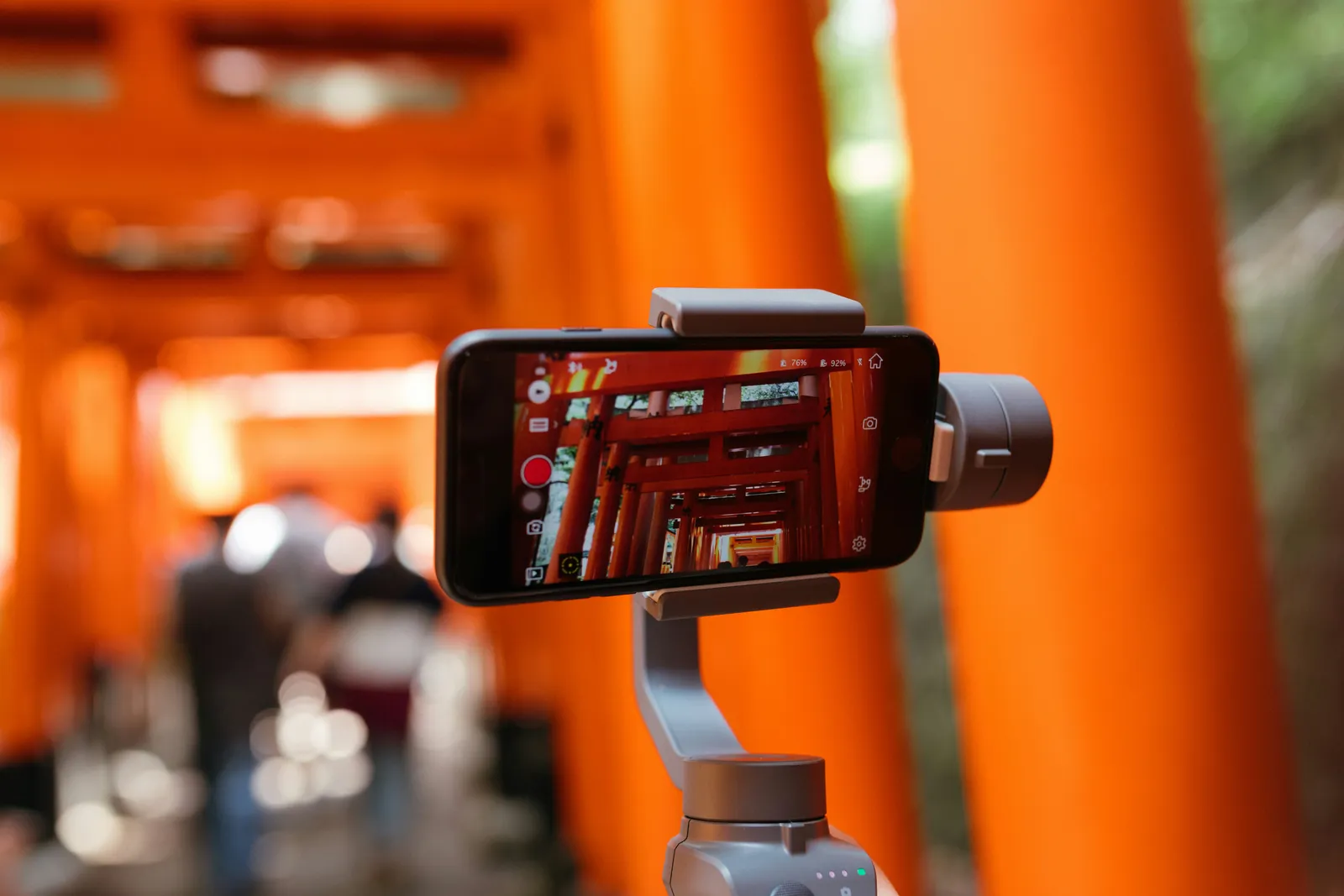
Today, millions of videos are created every day with a simple phone. 📱
Modern smartphones are an excellent starting point for learners discovering the field. They let you:
- Shoot in high definition.
- Capture different types of shots.
- Handle stabilization.
For learners discovering the field, this is an excellent starting point.
3- Video Editing Can Be Learned Without Expensive Equipment
Video editing makes up a large part of a creator's work. A good course teaches you, among other things, to:
- Organize a project.
- Edit a video step by step.
- Add effects.
- Create simple animations.
- Improve the audio.
- Export a professional result.
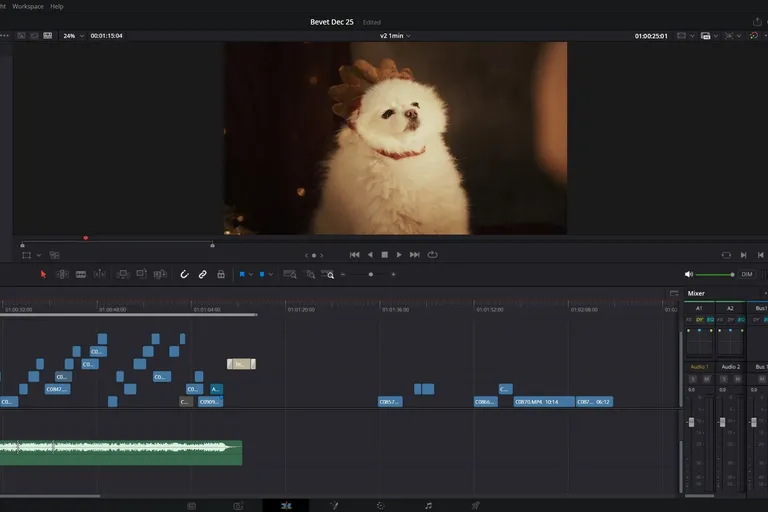
Today, several programs let you practice without a significant investment:
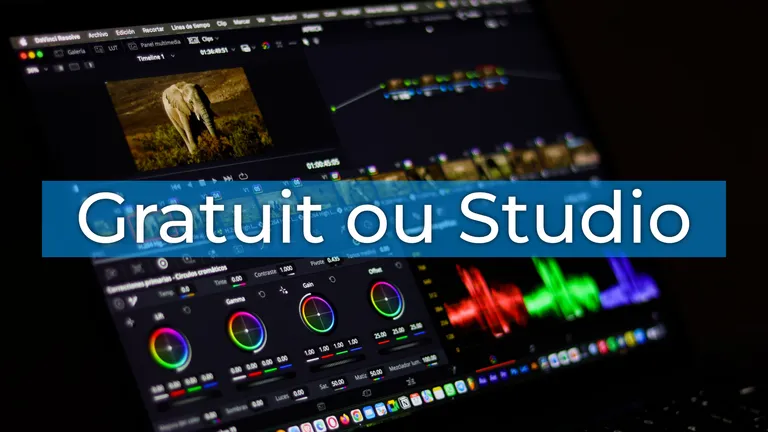
- DaVinci Resolve.
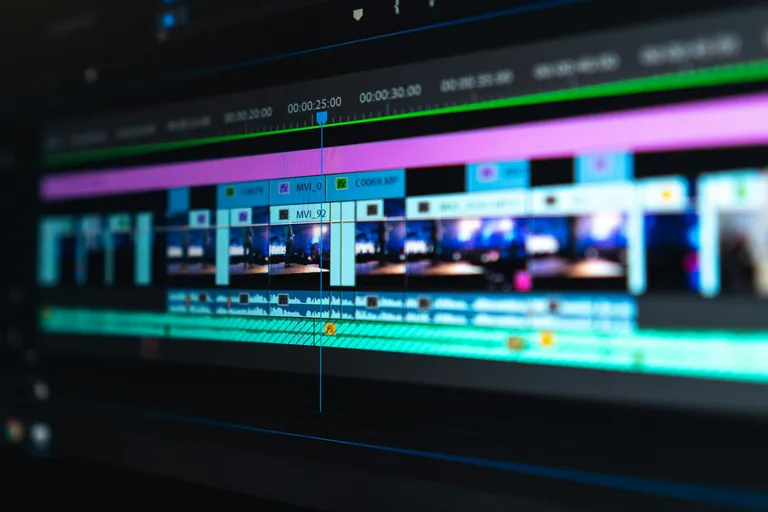
- Adobe Premiere Pro.
- CapCut.
- Premiere Rush.
With these tools, you can quickly gain solid knowledge of video editing.
4- Hands-On Exercises Often Replace Professional Gear
Progress mostly comes from the practice a course can give you: 🧱
- Guided exercises.
- Concrete projects.
- Real-life scenarios.
- Case studies.
- Video editing assignments.
Even with footage shot on a smartphone, learners develop the reflexes they need to work on more ambitious projects later on.
5- Shooting Techniques Can Be Learned Whatever Your Equipment
The fundamental principles of shooting stay the same, and they are taught whatever video course you take:
- Framing.
- Camera movements.
- Image composition.
- Lighting.
- The different types of shots.
These techniques apply with:
- A smartphone.
- A mirrorless camera.
- A professional camera.
Gear changes, but the basics stay the same.
6- An Online Course Gives You Instant Access to Learning Resources
One of the great advantages of online courses is accessibility. 🌍
You get access to:
- Video lessons.
- Progressive modules.
- Hands-on exercises.
- Downloadable resources.
- Teaching support.
The format is often flexible, so you can learn at your own pace over several days or several weeks.
7- Graphics and Design Also Play an Important Role
An effective video does not rely only on video shooting, but also on:
- Graphics.
- Visual design.
- Animated titles.
- Graphic elements.
- Presentation animations.
These skills, taught in complete courses, let you create more captivating and professional videos.
8- Some Courses Award a Diploma or Certification
Depending on the path you choose, you can obtain:
- A diploma / course certificate.
- A professional certification.
- Validation of the skills you have acquired.
In France, some courses are also eligible for the CPF (personal training account). This can be a real advantage for people who want to move into video jobs.
9- Professional Gear Can Come Later
Many beginners think they have to invest right away. Yet progress usually follows this order:
- Learning the basics.
- Making your first projects.
- Developing your skills.
- Building a portfolio.
- Gradually buying gear.
Video Course Without Gear: Key Takeaways
Yes, it is entirely possible to take a video course without professional gear. ✅
Today, thanks to online courses, accessible software and hands-on exercises, learners can:
- Learn to film.
- Master video editing.
- Understand shooting techniques.
- Create captivating content.
- Develop skills that companies are looking for.
What matters most is not the camera you use, but the quality of your learning and the consistency of your practice.
Learn with Creator Academy
Creator Academy offers complete video courses designed to support creators, entrepreneurs and professionals as they develop their skills. The program combines:
- Structured video lessons.
- Hands-on exercises.
- Support from a trainer.
- Learning resources.
- Concrete projects.
If you want to take a certifying DaVinci Resolve course (in French), explore the Creator Academy courses and start building your video skills today through a progressive, career-focused path.
FAQ: Video Course Without Gear
Can you learn video editing without professional gear?
Yes. A regular computer and editing software are enough to learn the basics of video editing and complete many hands-on exercises.
Do you need a professional camera to take a video course?
No. A smartphone already lets you film in very good conditions and practice shooting techniques effectively.
How many hours does it take to learn video editing?
It depends on your goals, but a few hours a week usually lets you progress quickly with a structured course.
Can a video course be funded through the CPF?
The CPF is a French training account, and some courses offer CPF funding options. Check the eligibility conditions of the program you choose directly.
Are the courses accessible to people with disabilities?
Most training providers offer accessibility arrangements for people with disabilities. It is best to check the specific terms with the training provider.
What jobs can you get after a video course?
The skills you gain can be useful for several jobs: videographer, video editor, web content creator, community manager, digital communication specialist or freelancer in video production.